Butler: Recipes, Meal Planning & Everything That Comes With It

Butler is a recipe organizer and meal planning app that brings your favorite recipes, hundreds of chef-tested recipes, what you’re eating this week, your grocery list, and what’s already in your fridge and pantry together in one place.
YOUR KITCHEN, ORGANIZED

Make Cooking at Home the Easy Choice
Butler connects all the pieces of cooking at home that usually live in different places. Your recipes. What you’re eating this week. What’s already in your fridge and pantry. What you need from the store.
It’s all connected, so you can spend less time managing food in your head.
With Butler, You Can:
- Save your favorite recipes from almost anywhere. Bring in recipes from websites, Instagram, TikTok, photos of cookbook pages, or add your own.
- Start with hundreds of chef-tested recipes. Butler comes with a growing library of tried-and-true recipes, so you don’t have to build your collection from scratch.
- Figure out what you’re eating this week. Plan a few dinners or your whole week. Butler is flexible enough to work whether you love meal planning or never think of yourself as a “meal planner.”
- Know what you already have. Keep track of ingredients in your fridge and pantry, or snap a photo to help Butler understand what’s on hand.
- Turn your plans into a grocery list. Add what you need from your recipes and organize your shopping without rewriting everything by hand.
- Get personalized recipes and cooking help. Use Butler when you need ideas, want to use specific ingredients, or need help figuring out what to make.


One Place for the Whole Food Loop
- A recipe app stores recipes.
- A meal planner creates a schedule.
- A grocery app makes lists.
- Your fridge holds ingredients you may or may not remember buying.
But real life doesn’t happen in separate apps.
What you already have affects what you make. What you make affects what you buy. The recipes you love should make planning easier next time.
Butler connects that entire loop.
That means the more you use it, the more useful your kitchen information becomes.
Built AI-Native From the Start
Butler was built AI-native from the beginning, so AI isn’t a separate chatbot bolted onto the side of the product. It’s part of how Butler helps connect your recipes, preferences, plans, and ingredients.
That can mean helping you decide what to cook, creating a recipe around what you already have, or making the planning process faster.
But AI isn’t the point of Butler. Dinner is.
The goal is to take more of the deciding, remembering, organizing, and planning out of your head so cooking at home feels easier.

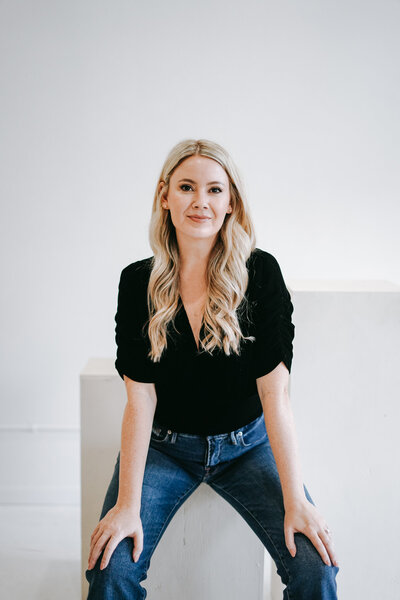
Why I Built Butler
It wasn’t that I didn’t know how to cook. I was just tired of making the decision over and over again.
What do we already have? What sounds good? Do I have the ingredients? Is this going to take 20 minutes or an hour?
And all of the information I needed was scattered. Recipes saved in different places. Screenshots on my phone. A grocery list somewhere else. Food in the fridge I forgot I bought.
I tried other meal planning and recipe apps, but none of them worked the way I wanted them to.
I didn’t need another place to save recipes. I needed something that connected the whole thing.
So I built Butler.
For Press
Butler is an AI-native recipe organization and meal planning app designed to make cooking at home the easy choice. It is available for iPhone and Android.
For press inquiries, interviews, or additional information, contact info@elizabethrider.com